
Completed Job Details
Service history, work performed, technician notes, and job details.
Pocomos gives you a complete customer record with service history, billing, contracts, communications, and notes all in one screen. No more switching between tabs or systems.
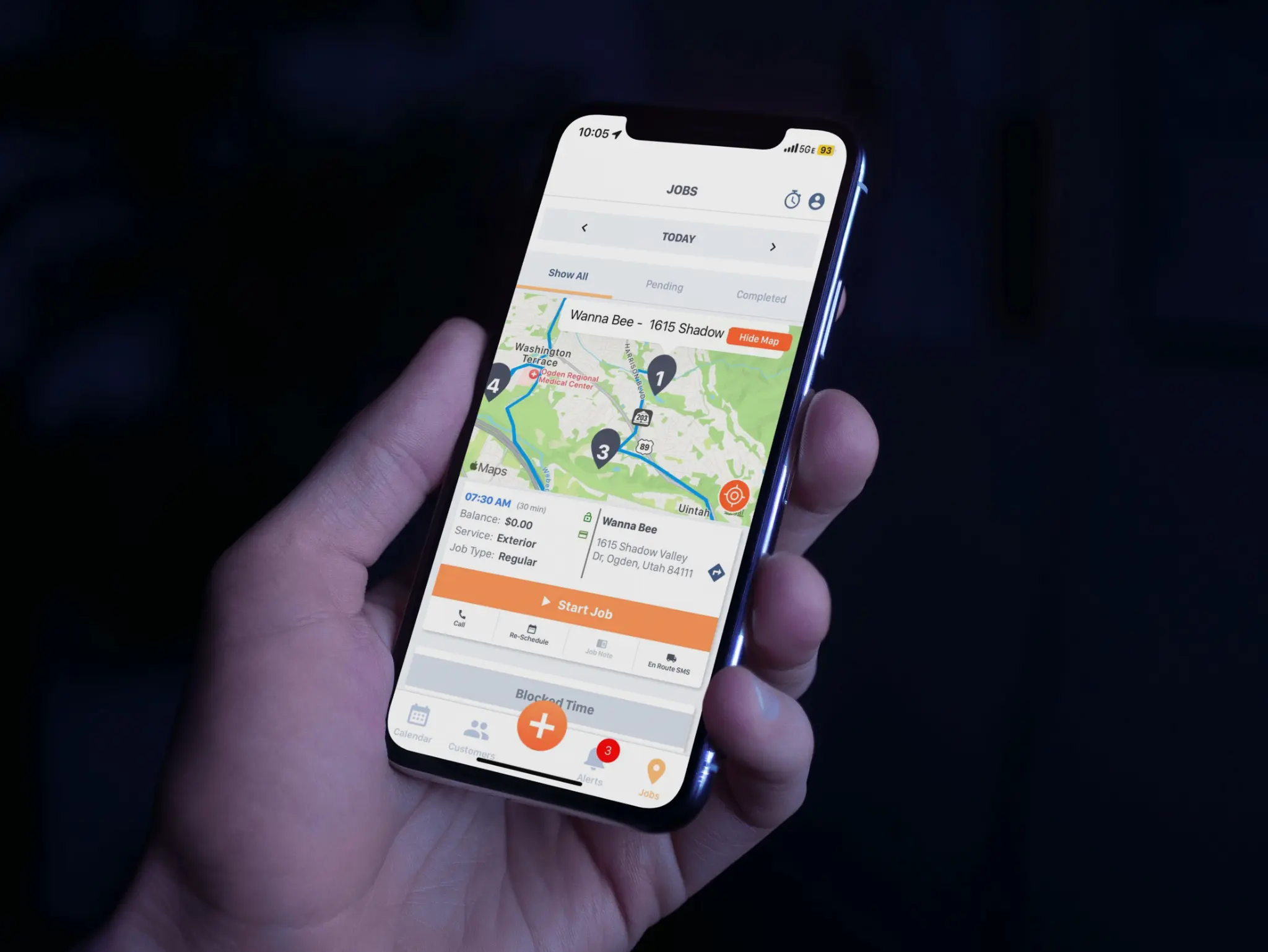
Explore the operational capabilities this workflow can support.
Every customer record includes contact info, service addresses, account notes, and a full timeline of every interaction.
See every job ever completed for a customer, including service notes, chemical usage, photos, and tech name, all in chronological order.
View all invoices, payments, and outstanding balances on the customer record. Process a payment or send an invoice without leaving the screen.
Store signed contracts on the customer record. View the original agreement, renewal date, and any amendments at any time.
Every email and text sent to or received from a customer is logged on their record. Full context, always available.
Find any customer by name, address, phone, or account number in seconds. No hunting through spreadsheets or separate systems.
See the operation clearly
Pocomos connects the work completed in the field with financial activity, operational documentation, and compliance details. The same connected record then gives your team the right financial, operational, and usage reporting without a second system.
Keep each detail connected
Use the data in
Service history, work performed, technician notes, and job details.
Invoices, payments, balances, and financial activity.
Inspection history, field documentation, and service records.
Recorded product and chemical usage from completed service.
Organize in
Understand invoices, payments, balances, and business performance.
Review jobs, service history, field work, and team activity.
Review recorded product usage and inspection documentation.
Keep each detail connected
Service history, work performed, technician notes, and job details.
Invoices, payments, balances, and financial activity.
Inspection history, field documentation, and service records.
Recorded product and chemical usage from completed service.
Organize in
Use the data in
Understand invoices, payments, balances, and business performance.
Review jobs, service history, field work, and team activity.
Review recorded product usage and inspection documentation.
Capture the work once, then use it for the customer record, business reporting, and follow-up without copying data to another system.
Keep recurring service moving
Recurring service should not require your team to rebuild the process every month or season. Pocomos keeps the agreement, scheduled work, completed service, and collection connected to the same customer record.
A connected recurring-service cycle
Keep the agreement current with automatic contract renewal and the customer record.
Create the next service based on the recurring schedule your customer needs.
Technicians complete the work and record the service details in the field.
Charge the saved payment method when the job or recurring invoice is due.
A connected recurring-service cycle
Keep the agreement current with automatic contract renewal and the customer record.
Create the next service based on the recurring schedule your customer needs.
Technicians complete the work and record the service details in the field.
Charge the saved payment method when the job or recurring invoice is due.
Recurring jobs, recurring payments, and customer history remain connected as the next service cycle begins.
Every completed, scheduled, and cancelled job is listed on the customer record with full details. No separate reports needed to answer a customer's question.
View, send, and process invoices directly from the customer record. Payment history and outstanding balances are always visible.
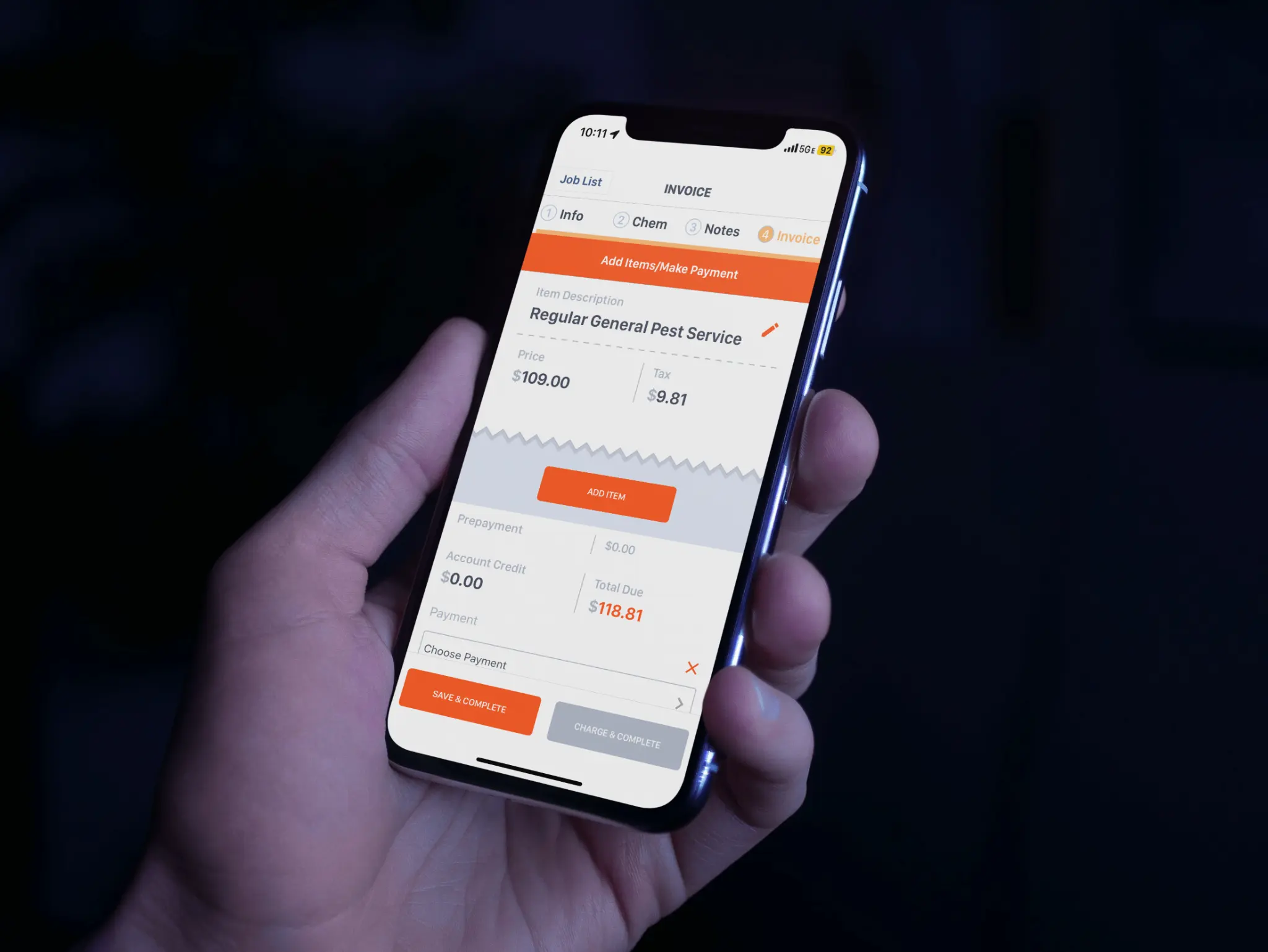
Type a name, address, or phone number into the search bar. Pocomos returns matching records instantly.
The customer record shows all open jobs, service history, billing status, contracts, and communication history in one view.
Schedule a new job, process a payment, send a message, or update contact information without navigating away from the customer record.
Add internal notes, flag accounts for follow-up, and tag customers by service type or status. Keep your team aligned without extra meetings.
No pressure, no long-term commitment. We will answer every question you have.