
Bulk Email or Text
Send an update to a selected customer group, route, or service day.
Send bulk text messages to an entire route or a full day of jobs at once. Schedule reminders in advance, and have real two-way conversations with customers, all from inside Pocomos.
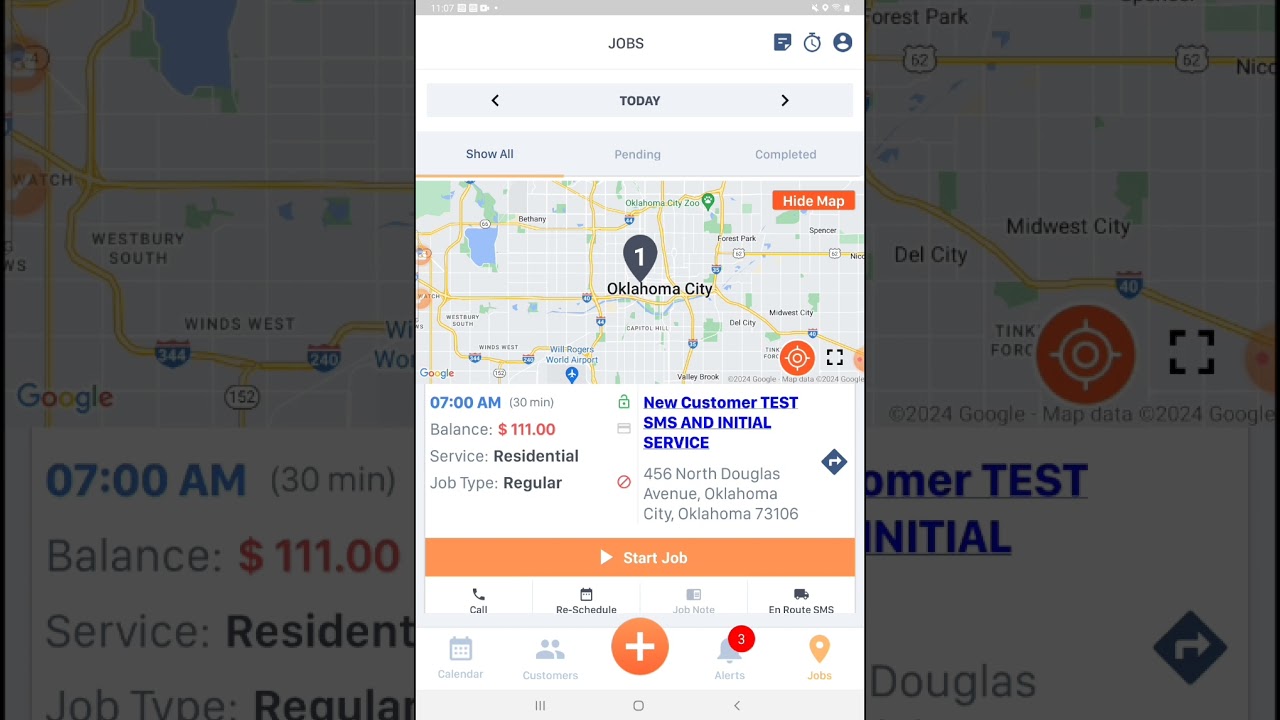
Explore the operational capabilities this workflow can support.
Select all jobs on a route or an entire day and send a single SMS to every customer at once. Perfect for service reminders and weather rescheduling.
Customers can reply to your texts and you can respond from inside Pocomos. No switching apps, no lost context.
Write your message now and schedule it to send at the right time. Set up service reminders days in advance without manual follow-up.
Any team member can be set up to receive instant notifications when a customer replies. No inbound message goes unnoticed.
Every text thread is stored on the customer record. View the complete conversation history at any time, including an SMS history report.
Pay only for what you send and receive. No monthly minimums, no surprises. Just $0.04 per text in or out.
Keep customers informed
Pocomos keeps operational communication connected. Send a message in bulk, schedule it, automate it, or let a technician send an en route update from the field, then keep the conversation on the right customer record.
Send an update to a selected customer group, route, or service day.
Prepare the message now and deliver it when the timing is right.
Trigger updates after lead or customer creation, reminders, job completion, payment issues, and expiring cards.
Technicians send an on-the-way update directly from the Pocomos mobile app.
Coordinate with
Deliver to
Choose how the message starts
Send an update to a selected customer group, route, or service day.
Prepare the message now and deliver it when the timing is right.
Trigger updates after lead or customer creation, reminders, job completion, payment issues, and expiring cards.
Technicians send an on-the-way update directly from the Pocomos mobile app.
Coordinate with
Deliver to
Two-way SMS replies appear on the customer record for your team to manage.
Email tools are included. SMS is an optional add-on billed by location and message.
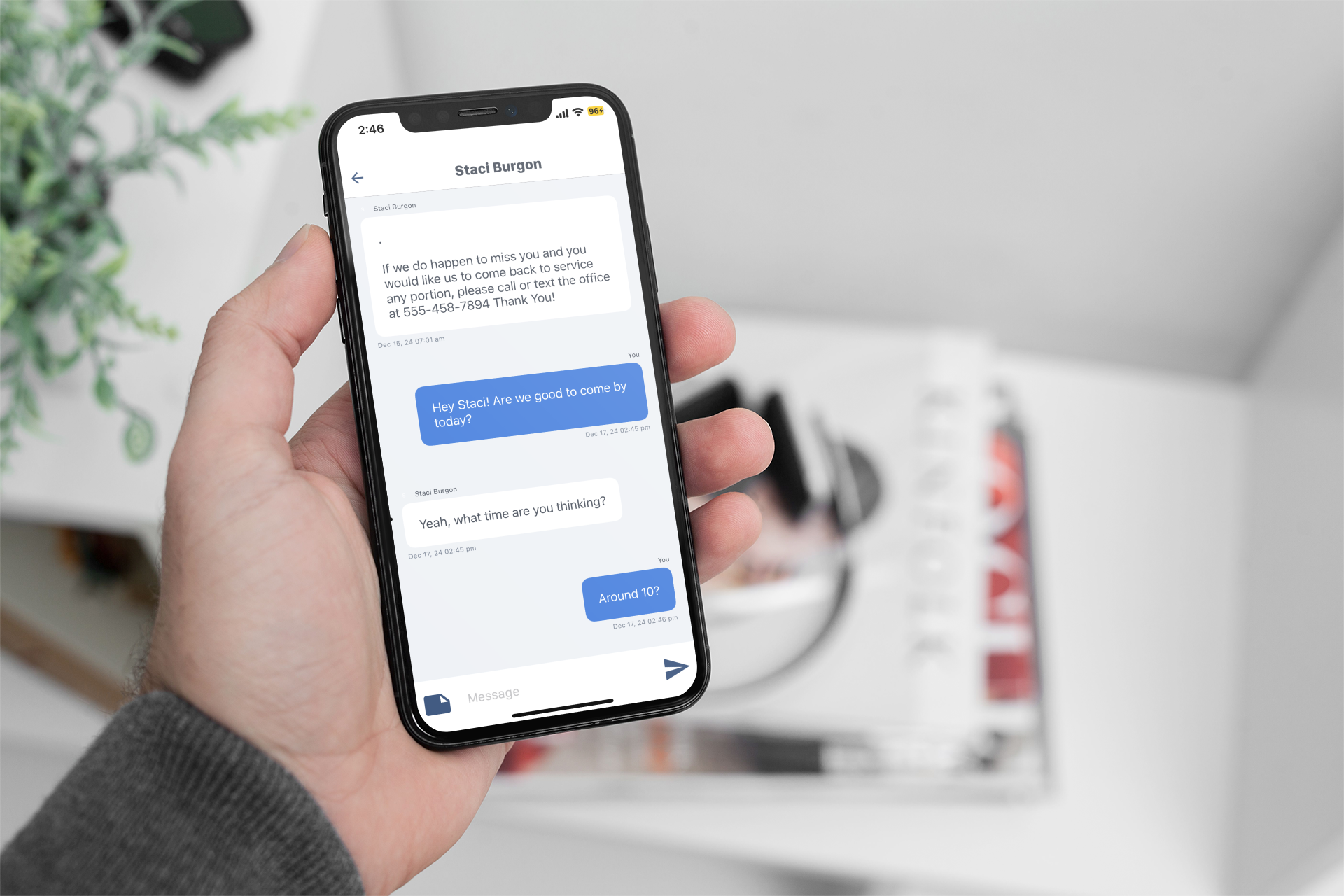
The full conversation thread lives on the customer record. Your team can see every message sent and received without leaving Pocomos.
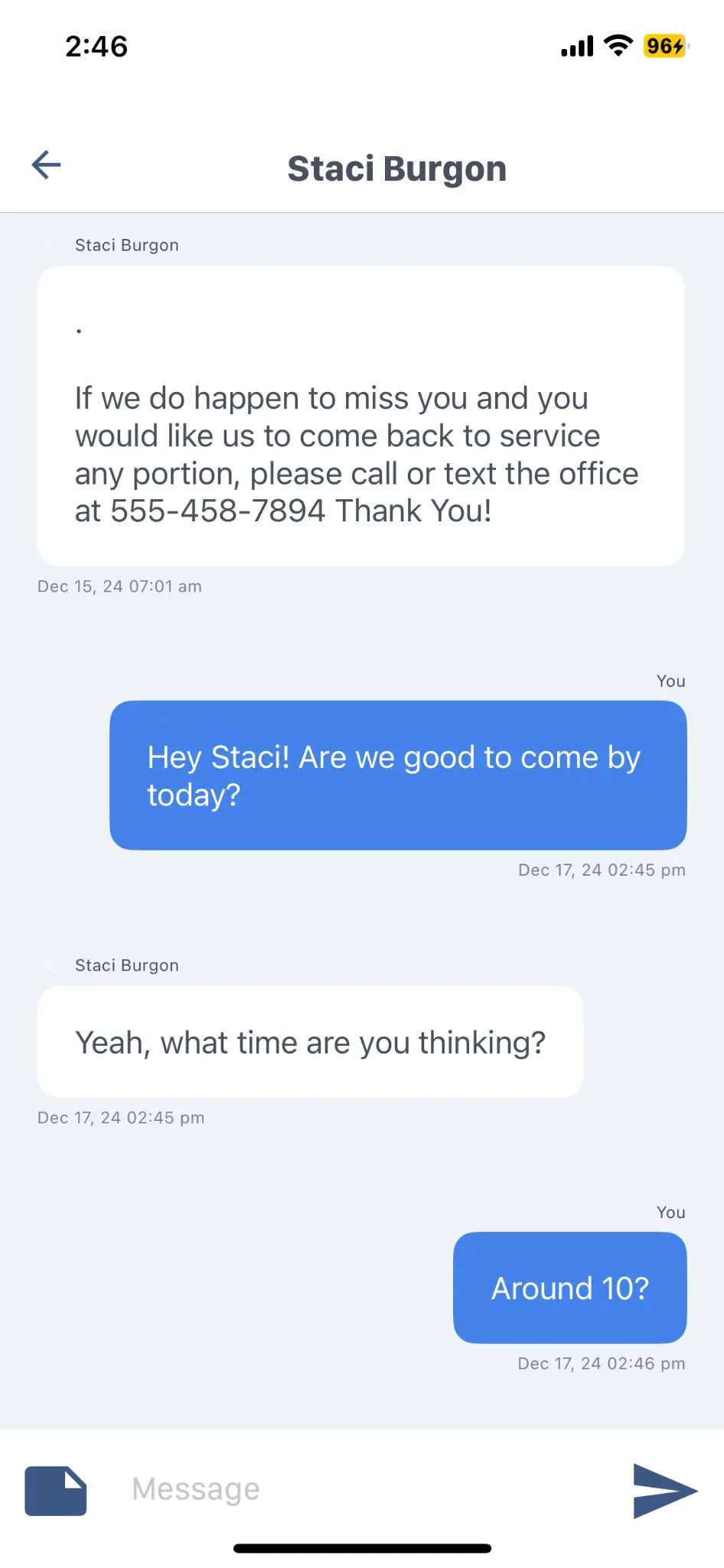
Use pre-built templates for common messages like appointment reminders, technician on-the-way alerts, and rescheduling notices.
Navigate to the calendar view. You can see multiple days at once, making it easy to select jobs across routes or an entire day.
Choose all jobs on a single route, all jobs on a day, or individual customers. The bulk select tool handles any combination.
Compose your SMS. Send it immediately or schedule it for a future time. Include job details, technician name, or any custom text.
Inbound replies appear in the customer record and trigger alerts for your team. Respond directly from Pocomos to keep the conversation in one place.
A dedicated SMS number per location, plus a small per-message fee.
No pressure, no long-term commitment. We will answer every question you have.